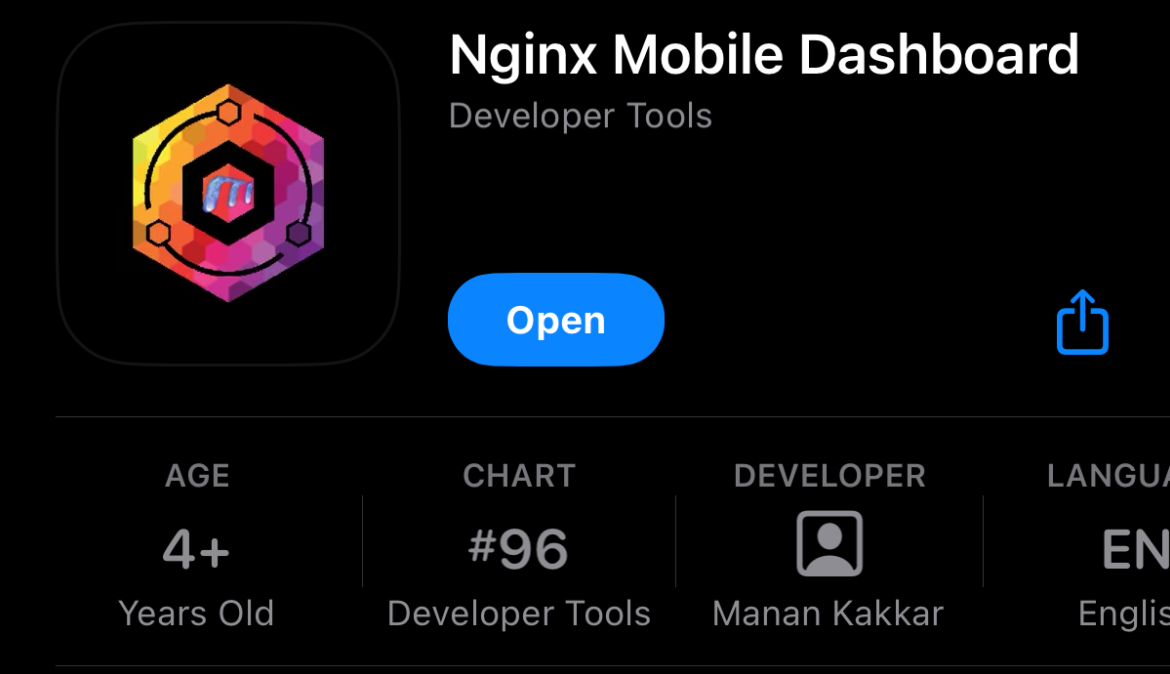
Publishing an app on the Apple App Store without a Mac
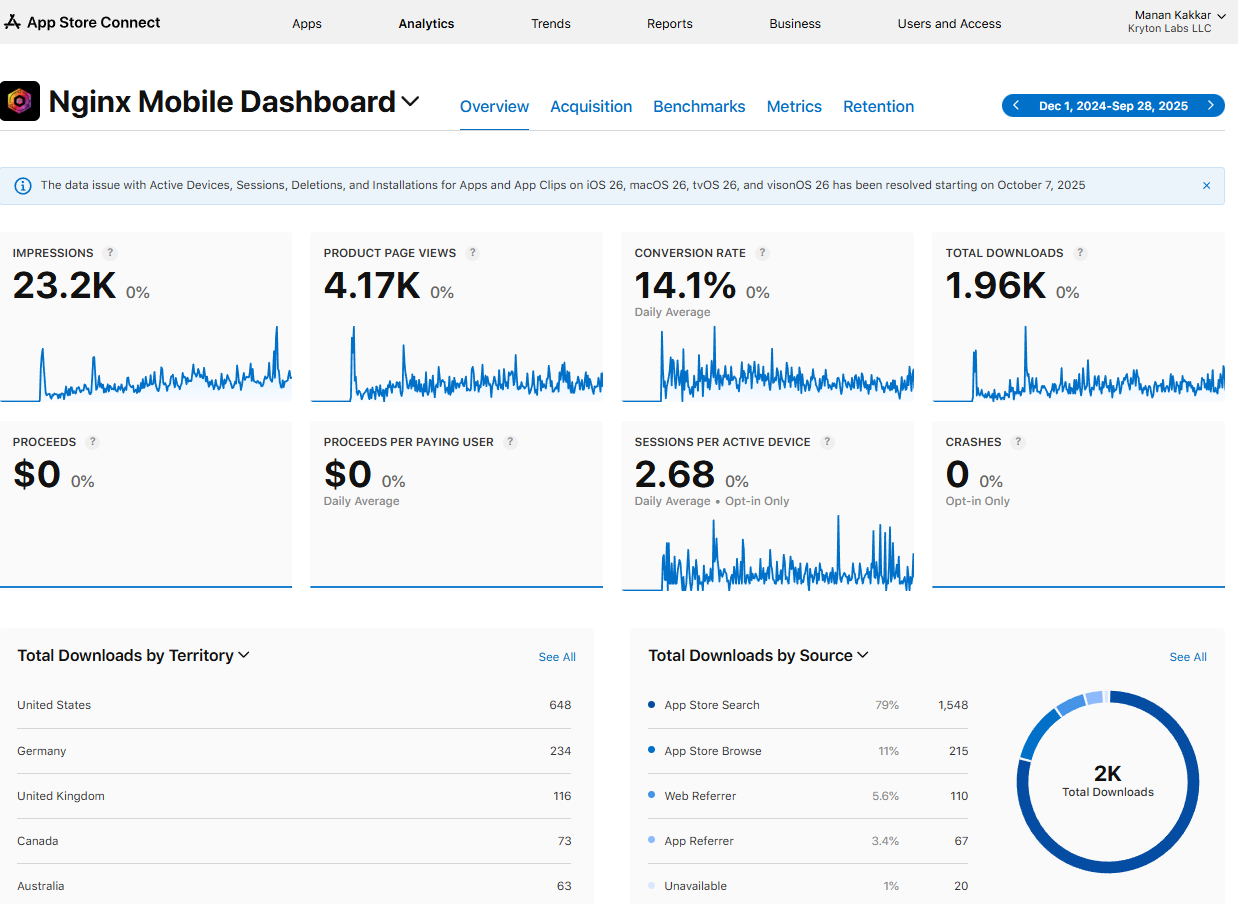
Over the last year, I have graduated from being merely an Apple shit-talker to a published App Store app developer. And my proudest moment, publishing an app, that hit top 100 in Developer Tools without a Mac. Now, when I started, all I had was a dream, and then my friend @dtox told me about 2 technologies that made the impossible, possible.
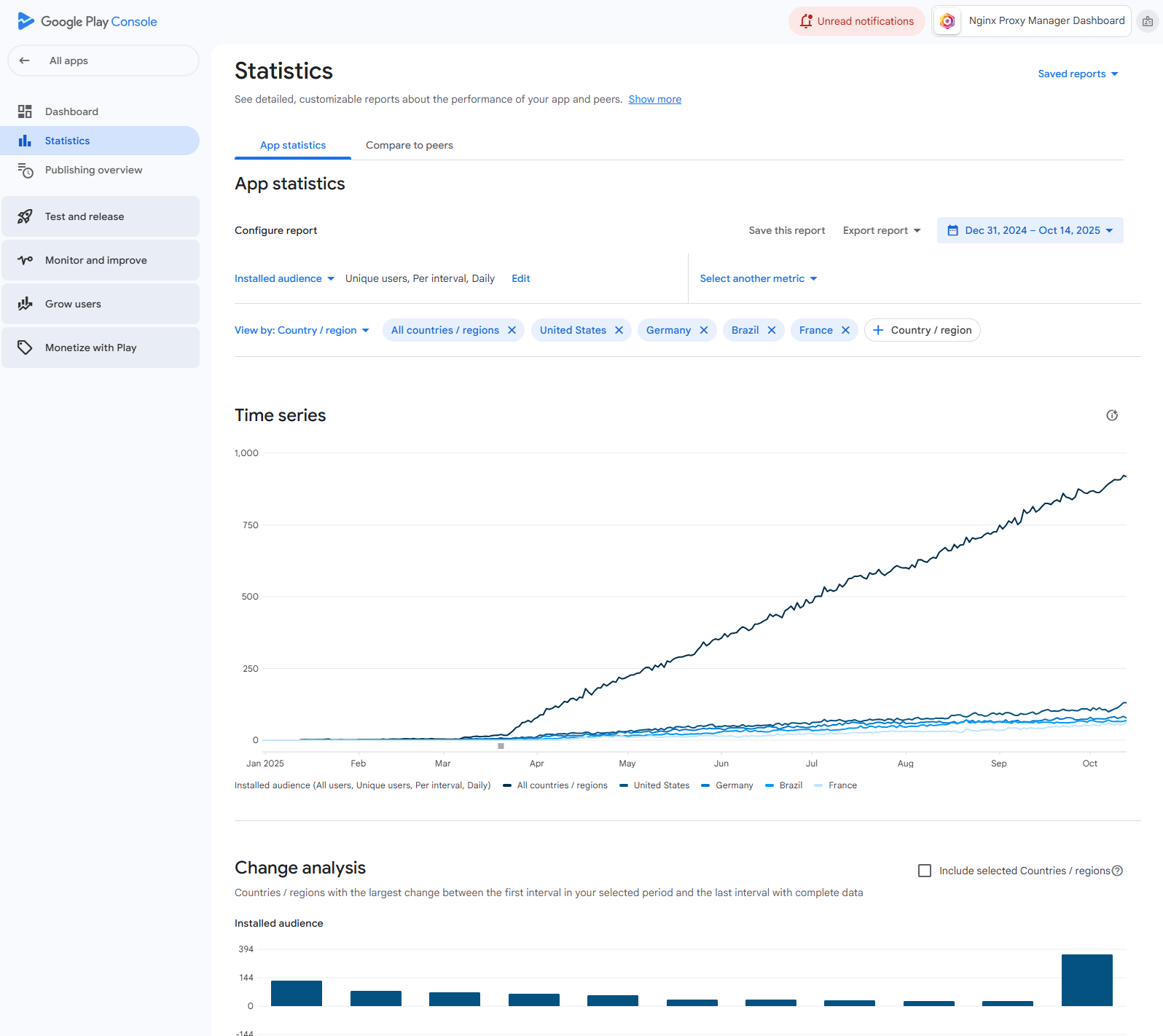
My first published iOS application is now at over 3,000 downloads, combined, on Apple and Google’s App Stores. This app was published from my PC to the app store, without a Mac. Here’s how did it:
- Cursor
- Flutter
- Github
- CodeMagic
- AppIcons.AI for AI generated app icons
- App Launchpad or App Screens for app store screenshots (believe it or not, I struggled the most getting screenshots)
I didn’t know what a Flutter was until Jan of this year. This technology unlocked the possibility of me having an Android and iOS app at the same time. What was great was that Cursor and Sonnet understood how to make Flutter apps. Once the app was made and running on my Android emulator, my next big problem was to get an iOS version.
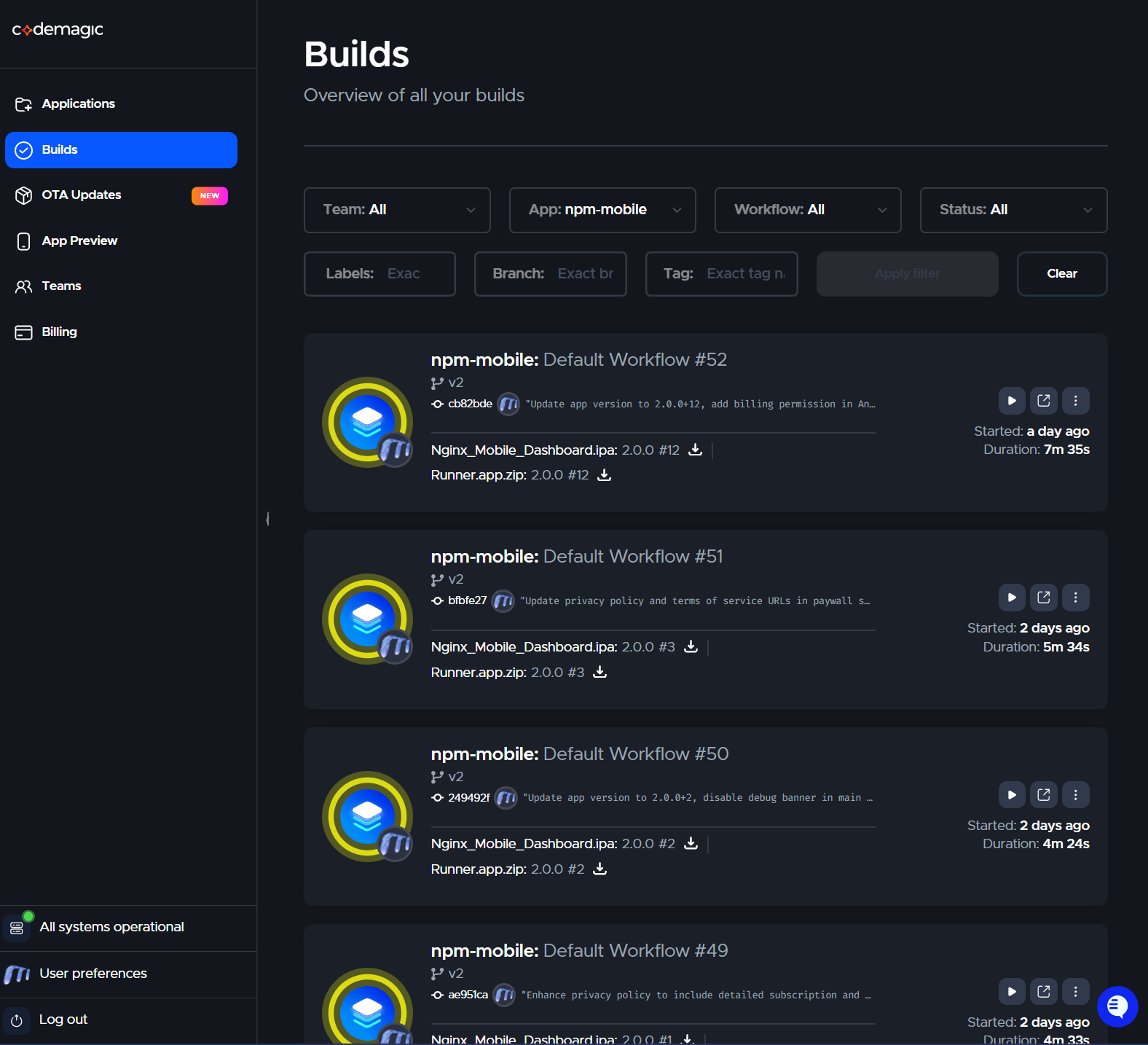
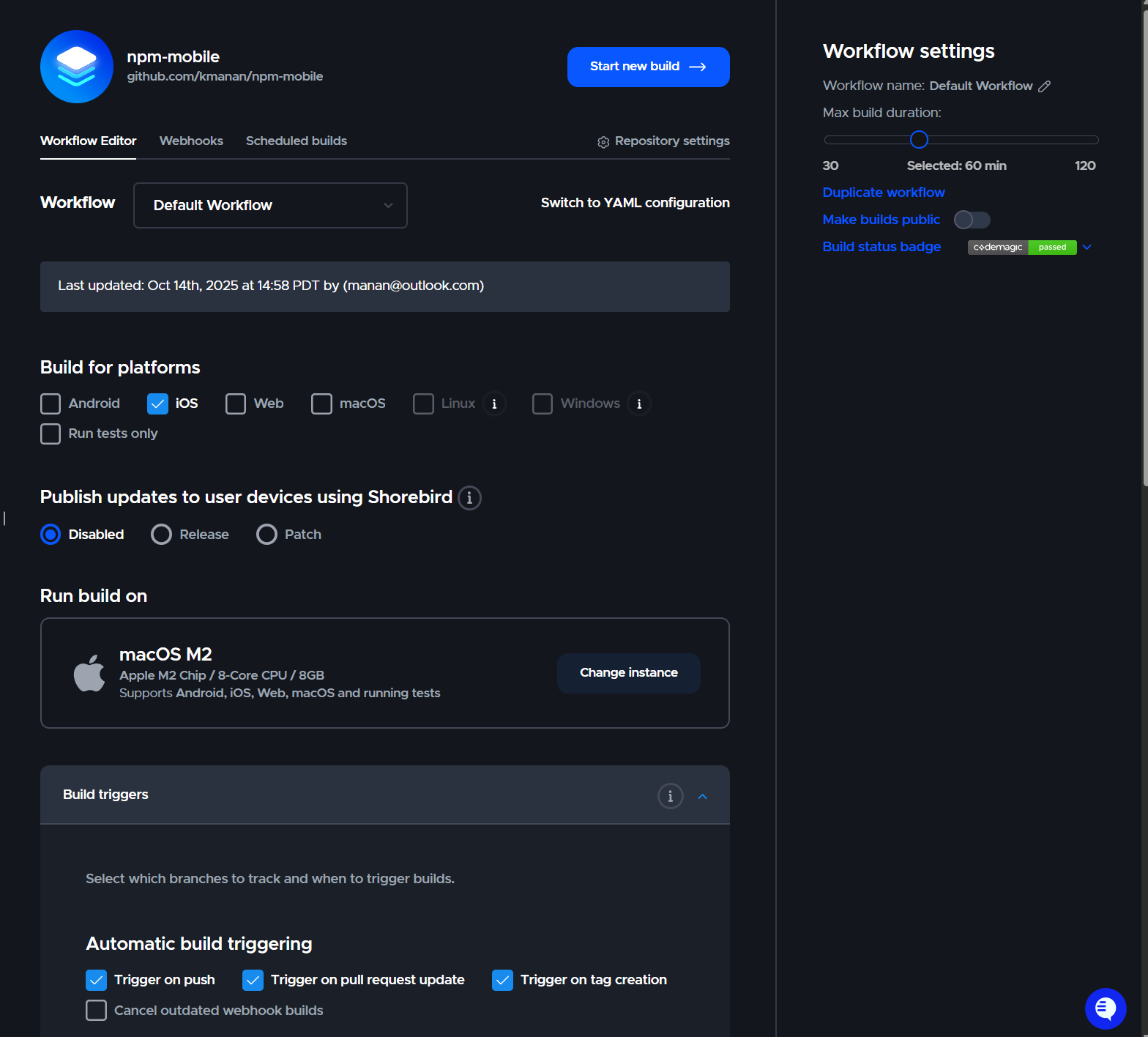
And that’s where @dtox came back with a brilliant recommendation of this little service called CodeMagic. It was clunky at first. Trying to understand how to setup an Apple Developer Account, navigating around App Store Connect’s certificates and accounts etc., absolutely infuriatingly terrible experience. The developer steps to get things figured out is ridiculous. Anyhow, once CodeMagic was connected with Apple’s App Store Connect, we were truly dealing with magic. Within a few tries, I had an iOS app ready for Test Flight without having a Mac, a macOS VM, Xcode. True magic.
CodeMagic has a generous free tier and connects with your Github account. My workflow is dead-simple:
Cursor writes the code -> publish to Github -> CodeMagic picks up the build -> creates an IPA -> sends it to App Store Connect
Once its there, then I’m simply accepting the encryption requirements, and a build is ready. Since this experiment, I have published 2 more apps, marking a total of 3 Flutter apps, all sent to the App Store via CodeMagic. They’ve since my first attempt definitely made improvements to the certificate stuff that connects the App Store account with CodeMagic, it’s really magic.
I used App Launchpad for Snack Spinner and Cyber Prism, Nginx Proxy Manager screenshots are from App Screens.

Leave a Reply